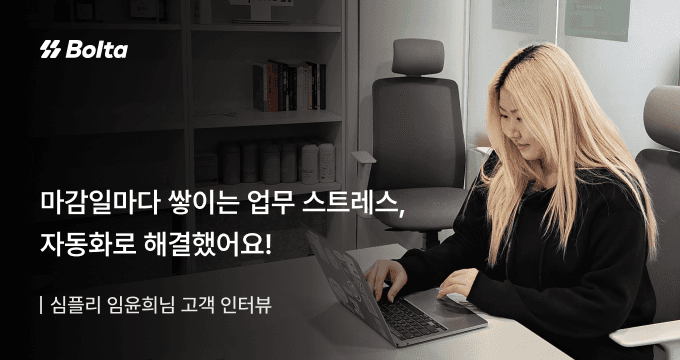
Automating tax invoices removed the month-end crunch
심플리 임윤희님
Read story (Korean) (opens in a new tab)Reverse issuance
The recipient fills in the details and sends them to the supplier, who approves without creating an account.
01Product
Stop waiting for the supplier to issue first. As the recipient you can fill in the details and request issuance.
A supplier who receives the request approves it with a certificate signature alone.
Attach withdrawals to an issued purchase invoice to see payment status and the remaining balance at a glance.
Counterparty details from a request are saved. Next time, pick the counterparty and the required fields fill themselves in.
02What changes
Before
Wait for the supplier to issue first
With Bolta
The recipient fills in the details and requests the invoice right away
Before
Walk the supplier through creating an account
With Bolta
The supplier approves with a certificate signature alone
Before
Re-enter counterparty details on every request
With Bolta
Pick the counterparty and saved details fill themselves in
03Customer stories
심플리 임윤희님
Read story (Korean) (opens in a new tab)
“A task that took 10 minutes now takes one. Our efficiency has more than doubled.”
팀스파르타 재무회계팀
Read story (Korean) (opens in a new tab)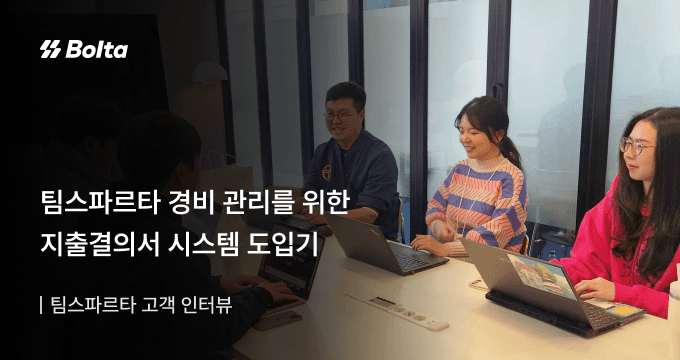
팀스파르타 재무회계팀
Read story (Korean) (opens in a new tab)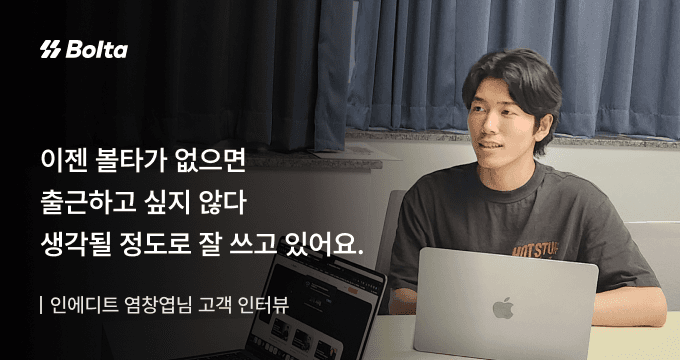
인에디트 염창엽님
Read story (Korean) (opens in a new tab)04Keep exploring
Connect it inside your service with the API
FAQ
Look through the answers below. If you need something more specific, send us an inquiry.
The recipient requests issuance, and the invoice is issued once the supplier approves it with a certificate.
No. Reverse issuance is charged to the Bolta user who sends the request.
No. The supplier approves with a certificate signature and no Bolta account.
Yes. Suppliers can approve reverse issuance requests with a certificate on macOS.