
Automating tax invoices removed the month-end crunch
심플리 임윤희님
Read story (Korean) (opens in a new tab)Payment requests
When you issue an invoice, Bolta sends the due date and bank details with it, tracks payment status, and follows up on what is still outstanding.
01Product
The due date and bank details go out with the invoice. No separate email to write every time you issue.
AI reconciles invoices against bank activity to find the matching payment. Once it is confirmed, the counterparty's balance updates itself.
Bolta sends the pre-due notice and the overdue follow-up for you, so nobody has to chase each counterparty by hand.
02What changes
Before
Write a separate payment email for every invoice
With Bolta
The due date and bank details go out with the invoice
Before
Scan the bank statement for each payment
With Bolta
AI finds the payment and updates the counterparty's balance
Before
Chase each counterparty by hand
With Bolta
Bolta sends the pre-due notice and the overdue follow-up
03Customer stories
심플리 임윤희님
Read story (Korean) (opens in a new tab)
“A task that took 10 minutes now takes one. Our efficiency has more than doubled.”
팀스파르타 재무회계팀
Read story (Korean) (opens in a new tab)
팀스파르타 재무회계팀
Read story (Korean) (opens in a new tab)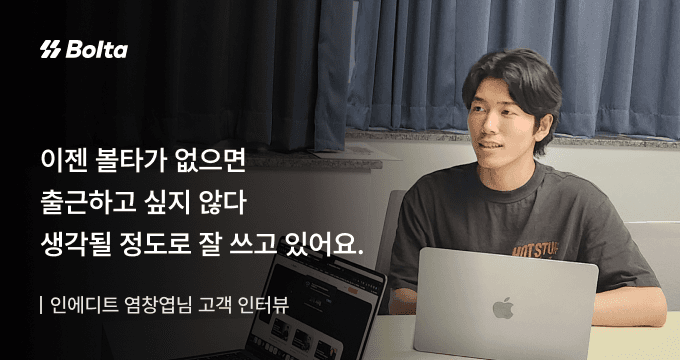
인에디트 염창엽님
Read story (Korean) (opens in a new tab)04Keep exploring
Connect it inside your service with the API
FAQ
Look through the answers below. If you need something more specific, send us an inquiry.
The due date and bank details are included in the tax invoice email.
The transactions and receivables screens show what was sent and its current status.
Due dates and bank details are stored against the transaction.
Bolta resends the right notice automatically based on the due date and payment status.
Issue the invoice and Bolta stays with it until you are paid.