Improvement
Recurring tax invoices, redesigned
Simpler schedules, with progress at a glance
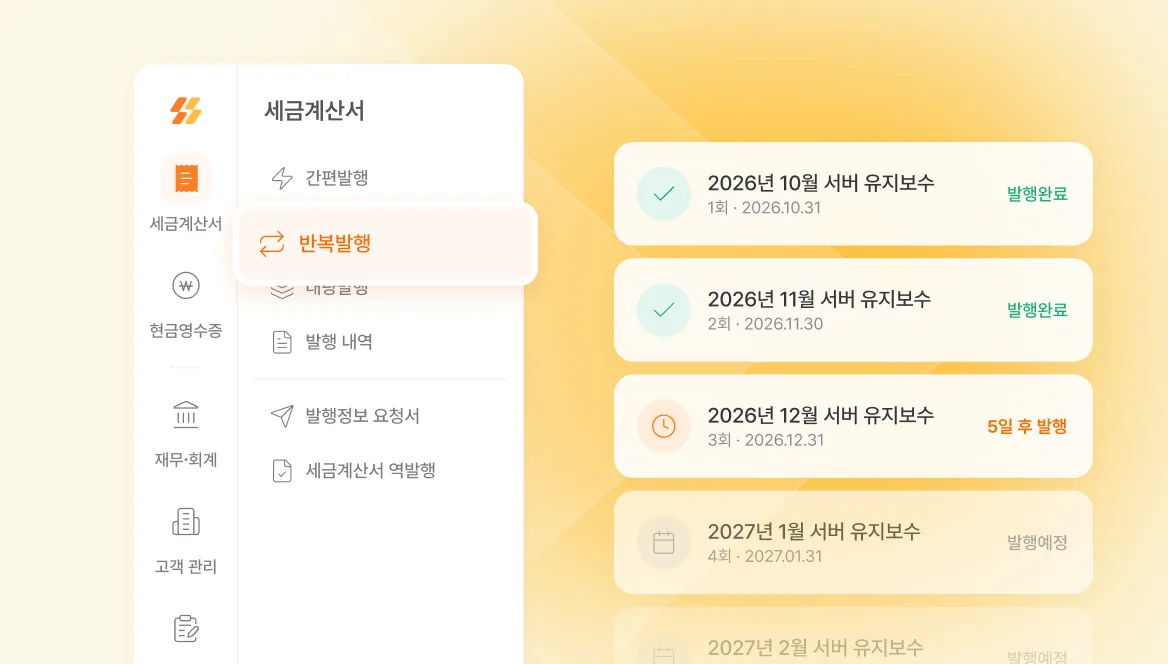
Recurring issuance now has its own place in the tax invoice menu.
Set up schedules more simply and see the issuance status of every round at a glance. Rounds that have not been issued yet can be previewed. Add a date variable to the item name and each round fills in its own month.
How to use it:
- Open the tax invoice menu and choose recurring issuance.
- Press new registration and enter the customer, the schedule, and the items.
- Once registered, check the status of each round and preview its tax invoice from the list.
Each round is issued automatically at 8 a.m. on its issuance date.